Give ideas room to grow.
Displays and projection chosen around sightlines, room light and the detail your audience needs to see.
- Presentation displays and projection
- Interactive display options
- Content sharing and source selection
 Discuss your project ↗
AV for Training Spaces
Clear presentations. Confident delivery. Workplace training rooms that make it easier to see, hear and take part — in the room and beyond.
01 / Workplace training AV
A training room should help the message land.
From staff inductions and team development to workshops and hybrid sessions, the technology needs to fit the way you share information.
Galaxy brings together displays, sound, microphones, connectivity and control for workplace training spaces, with installation details considered from the outset.
02 / Find your starting point
Explore a starting point for your room. We can plan around a mix of formats, existing equipment and different group sizes.
Give every seat a clear view
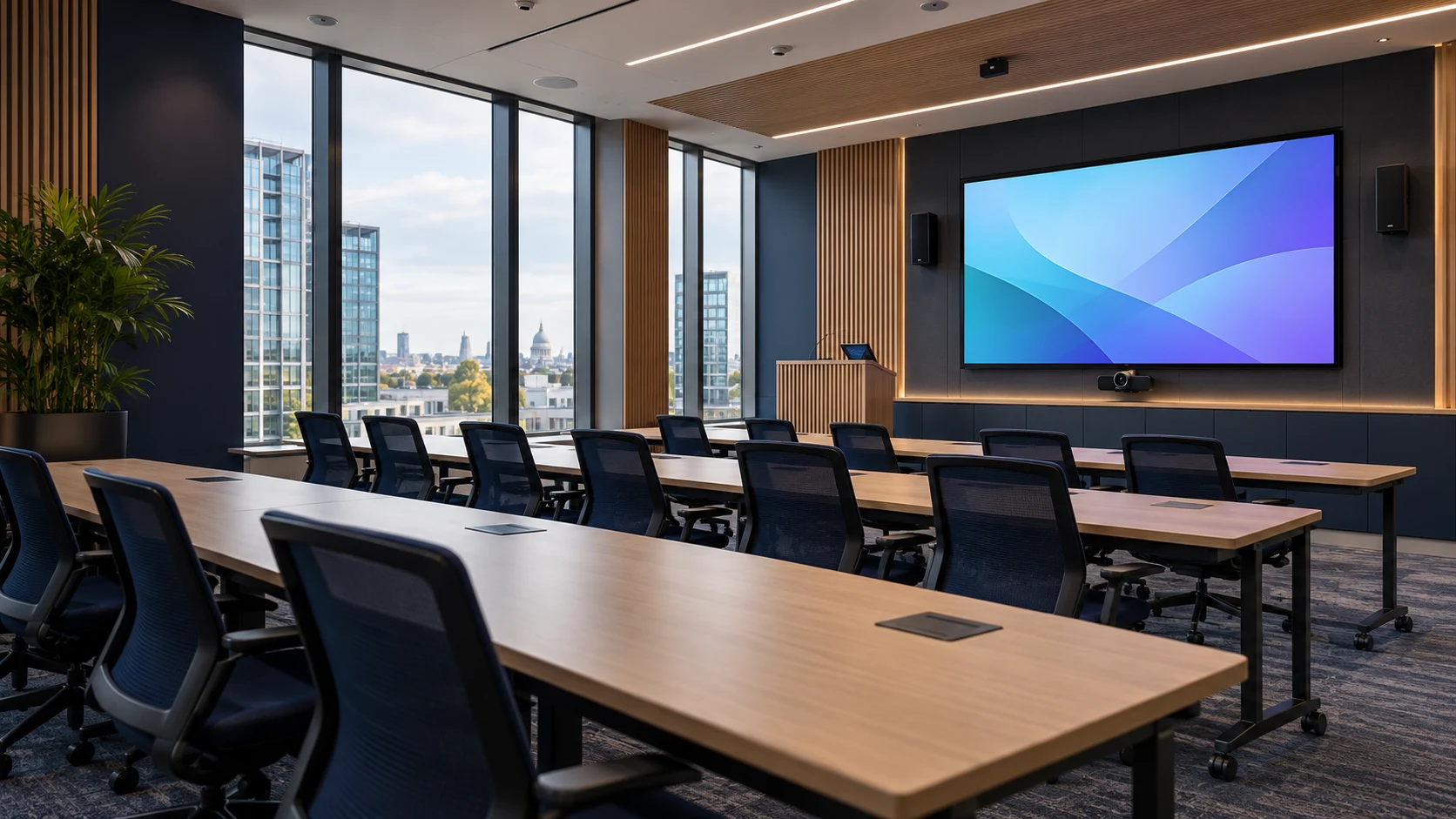
Plan display size, viewing positions and speech clarity around the room, with a simple way for presenters to connect their content.
03 / Picture, sound & control
A coordinated room makes presenting, sharing and participating feel straightforward, with the right tools in the right places.
Displays and projection chosen around sightlines, room light and the detail your audience needs to see.
Microphones, speakers and processing planned around room size, layout and acoustic conditions.
Connections and controls that suit the people presenting, with a clear handover for everyday use.
04 / The installation detail
Review typical seating, movable furniture and how the room changes between presentations and group work.
Assess current displays, cameras, cabling and room systems before agreeing what to retain or replace.
Consider background noise, hard surfaces and reverberation alongside the choice of microphones and speakers.
Plan data connections, equipment access and installation stages around your workplace and IT requirements.
05 / The Galaxy approach
Discuss your audience, session formats, room layout, platform requirements and budget.
Agree displays, sound coverage, camera views, connection points and control.
Complete the agreed installation and check picture, sound, sharing and room operation.
Walk through presenter connections and everyday controls, with documentation and support requirements agreed.
Useful answers
We can assess the room and existing equipment, then plan the display, sound, connectivity and layout around how you want to deliver training.
A suitable camera, microphone, speaker and platform arrangement can support hybrid sessions. We will review compatibility and the experience for both in-room and remote participants.
We can plan connections around the devices you use. Ports, adapters, wireless sharing and any IT restrictions should be agreed before equipment is selected.
We can review condition, compatibility and performance before agreeing what to retain, adapt or replace.
This service focuses on the AV installation and room technology. Your organisation provides its training content and presenters.
Bring your plans into focus
Planning a new room or making an existing one work better? Share your layout, session formats and priorities.
0141 459 1245 ↗info@galaxytechsystems.co.uk ↗